Share records with guest users
✓ EnergyID for BusinessGuest users are people with whom you share one or more specific records. They do not receive direct access to the Workspace and can only see the records for which you grant them separate permissions.
View guest users
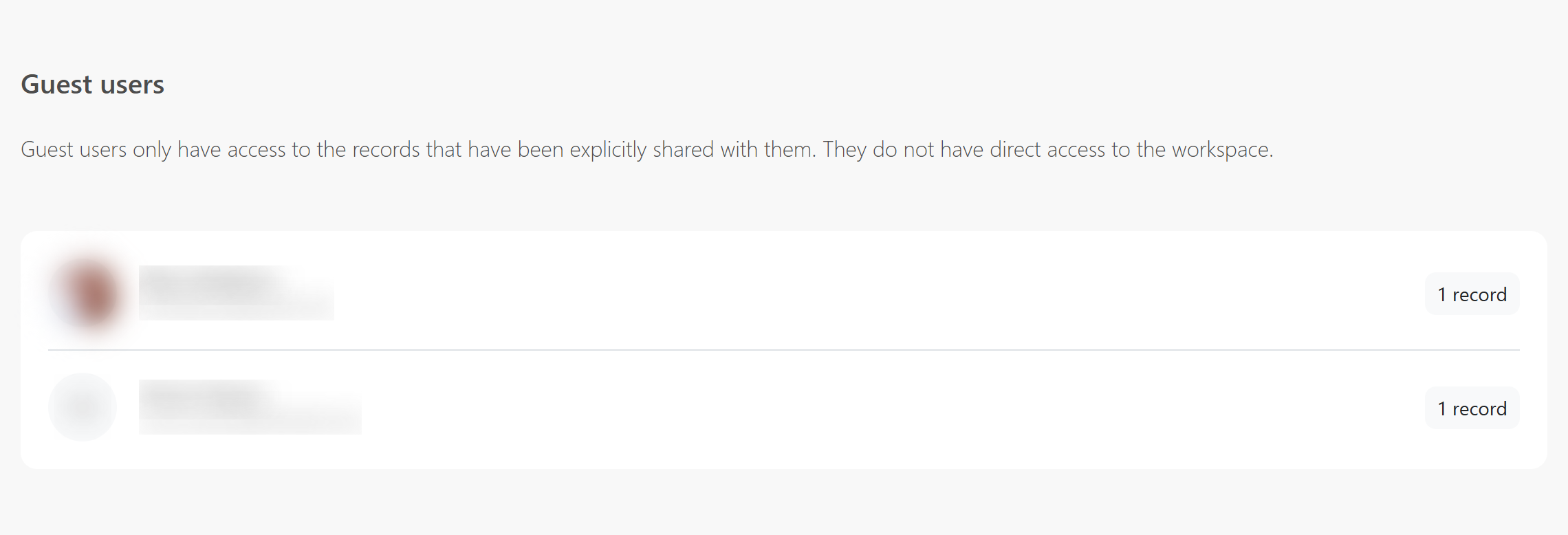
Open the Workspace and choose Users > Guest users. The overview shows every guest user and the number of records shared with that person.
Who can share a record?
Only the record owner can add guest users. For an internal record, the Workspace is the owner and a Workspace Administrator can share the record. For an external record, the external user remains the owner. A Workspace Administrator cannot add guest users based on the Workspace role alone; the record owner must do this.
Read more about this distinction in Working with external records.
Share a record
- Open the Records page in the Workspace.
- Select the record you want to share.
- Open the actions and choose Share.
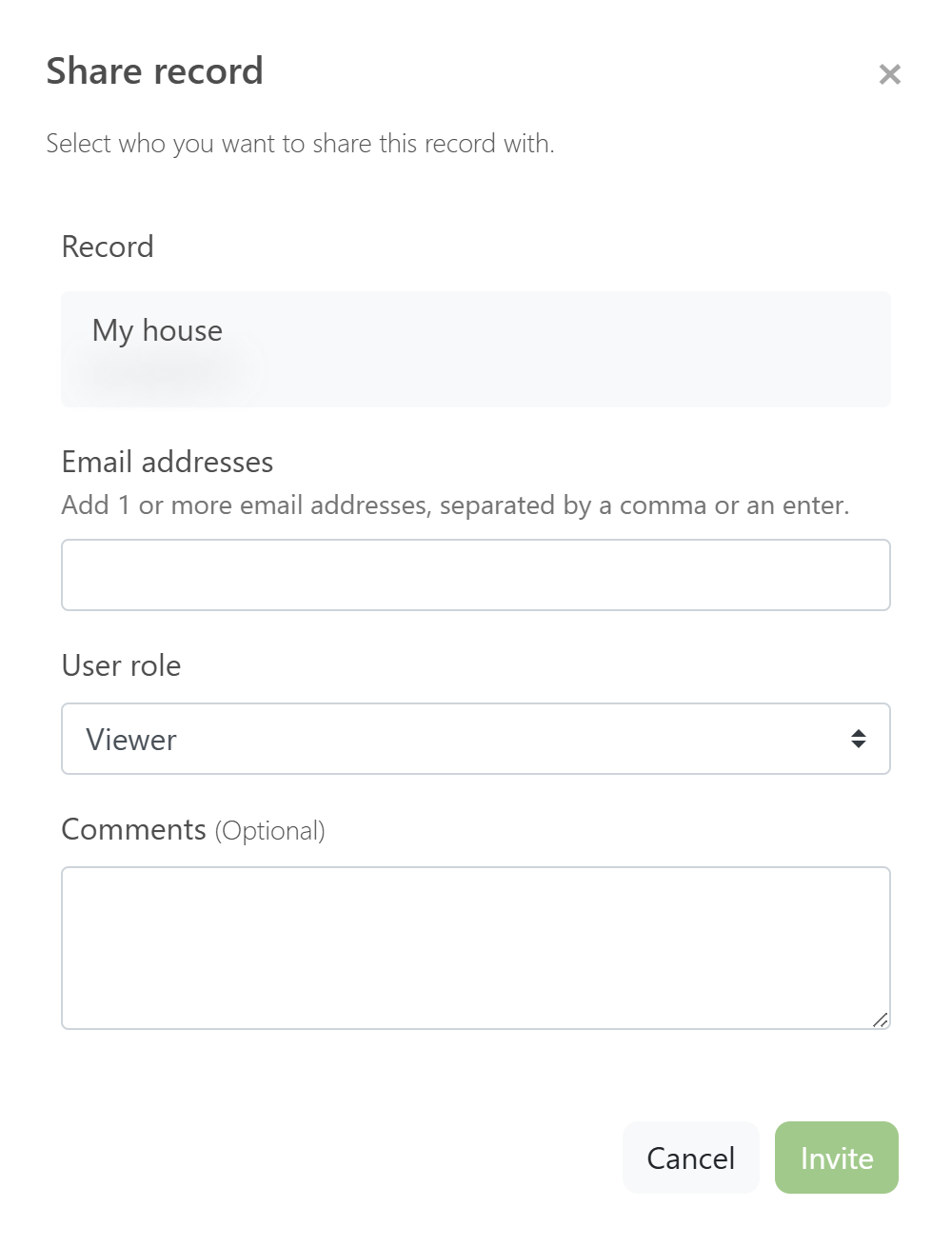
- Add one or more email addresses and choose the appropriate role. Viewer is selected by default.
- Optionally add a comment and click Invite.
Guest-user permissions
The selected role applies only to the selected record:
- Editor: can view and edit the record.
- Contributor: can add meter readings and register timeline events, but otherwise has read-only access.
- Viewer: can only view the record.
Good to know: a guest user does not become a Workspace user. Share each additional record separately if that person needs access to more records.
Manage guest access
In the Guest users overview, click the record count next to a user. You can change that person’s role for each record, revoke access to a record, or share another record with the same user. When no records remain shared, the user disappears from the overview.
Should someone collaborate across every record? Read Manage Workspace users and permissions.
Frequently asked questions
Who can add guest users?
Only the record owner. A Workspace Administrator can do this for an internal Workspace record. For an external record, the external record owner must arrange the access.
Does a guest user get access to the Workspace?
No. A guest user can only see the records that have been shared with that person separately.
Can the same guest user access multiple records?
Yes. Share each additional record separately and choose the appropriate role for each record.