Collective self-consumption
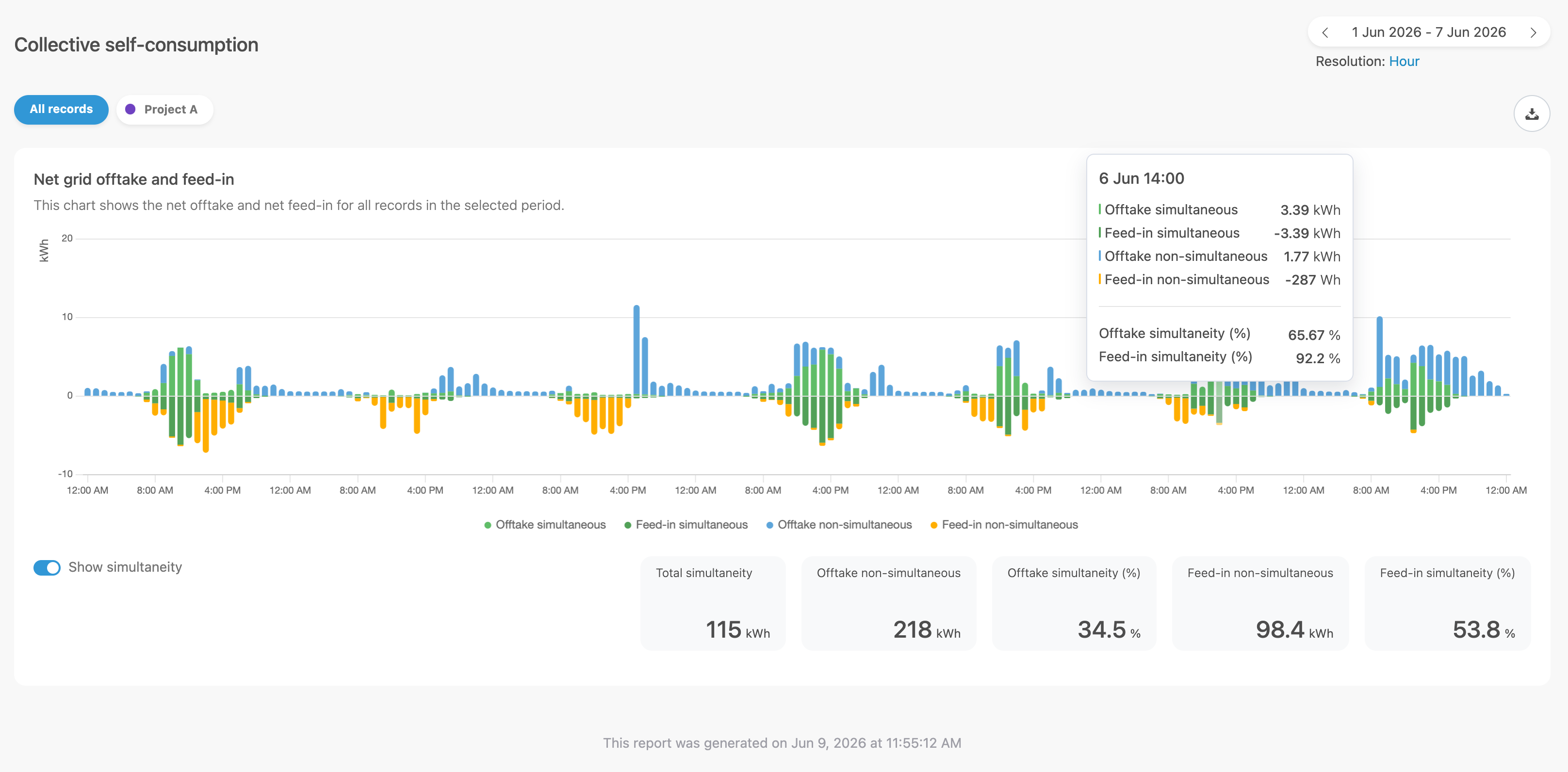
✓ EnergyID for BusinessWith the Collective self-consumption feature, your energy community gets insight into the simultaneity of your portfolio: what is consumed locally in real time, what is drawn from the grid non-simultaneously, and what is fed back non-simultaneously.
This report helps you better align consumption and injection, and make decisions at workspace level.
How do you activate this feature?
- Go to the Configuration module in your Workspace.
- Open the Collective self-consumption feature.
- Activate the feature.
- Set the desired options and click Save.
Note: Only a workspace admin can configure this feature. Without activation, the report will not appear under Reports.
Where can you find the report?
- In your Workspace, go to Reports.
- Click Collective self-consumption.
- Select the desired period and resolution using the period selector.
Filtering by labels and records
The results depend on the feature configuration:
- With Calculate total portfolio, you get results for all records in the workspace.
- Without this option, results are calculated based on the selected labels.
In the report, you can filter by All records or by available labels.
Exporting results
If the workspace feature Exports is enabled, you can export this report data.
- Click Export.
- Select start date, end date, resolution, optional label, and file format.
- Confirm with Export.
Note: If the period and resolution combination is invalid, you will see a validation message.
Recalculation of historical results (admin)
In Configuration > Collective self-consumption, you can start a recalculation:
- Recalculate everything (up to 10 years back)
- Recalculate from date
After starting, recalculation runs in the background. Depending on the period and number of records, updated results may appear later.
Data consent message for external records
This feature uses measurement data from records. External records are only included if their owners have given the required data consent. If that consent is not yet requested in the external records configuration, an informational message will be shown.