Workspace API keys
✓ EnergyID for BusinessWorkspace API keys help you connect backend systems to one specific Workspace in a controlled way. You can use them for automations such as data exports, reporting pipelines, or integrations that run on your own servers.
See our general API info for more info on how to start using your API key in your backend integration.
Why use Workspace API keys
Workspace API keys are intended for secure server-to-server integrations used by your company or energy community.
Each key is linked to one Workspace and can be configured with an access level. The available access levels map to Workspace roles:
- Viewer: read access
- Contributor: write access with contributor-level permissions
- Editor: write access with editor-level permissions
New Workspace API keys are shown only once at creation time. Save the key value immediately in your secret manager.
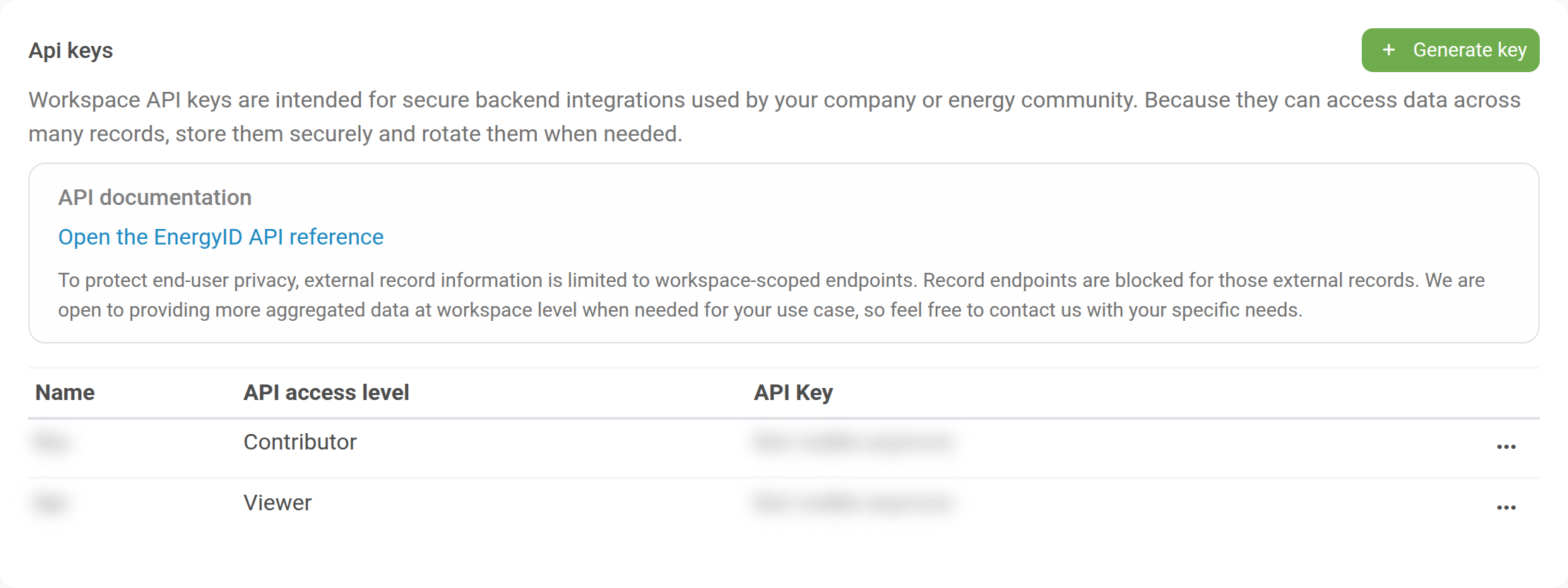
Open the Workspace API key settings
- Open the Workspace.
- Go to Configuration.
- Open the API keys feature.
You will see:
- A warning about secure backend usage
- A link to the EnergyID API reference
- The current list of Workspace API keys
Create a Workspace API key
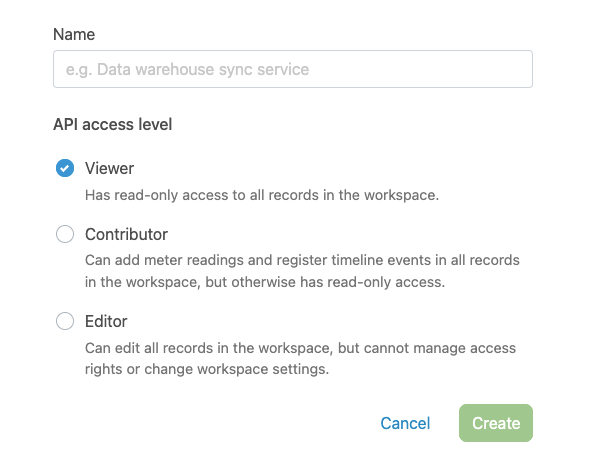
- Click Generate key.
- Enter a name, for example the system or integration name.
- Choose an API access level:
- Viewer: Read access only.
- Contributor: Write access with contributor-level permissions.
- Editor: Write access with editor-level permissions.
- Click Create.
- Copy the key and store it securely.
Note: You can use both workspace-level endpoints and record-level endpoints for internal (or workspace-owned records). External workspace records are limited to workspace-level endpoints.
Rotate or delete a key
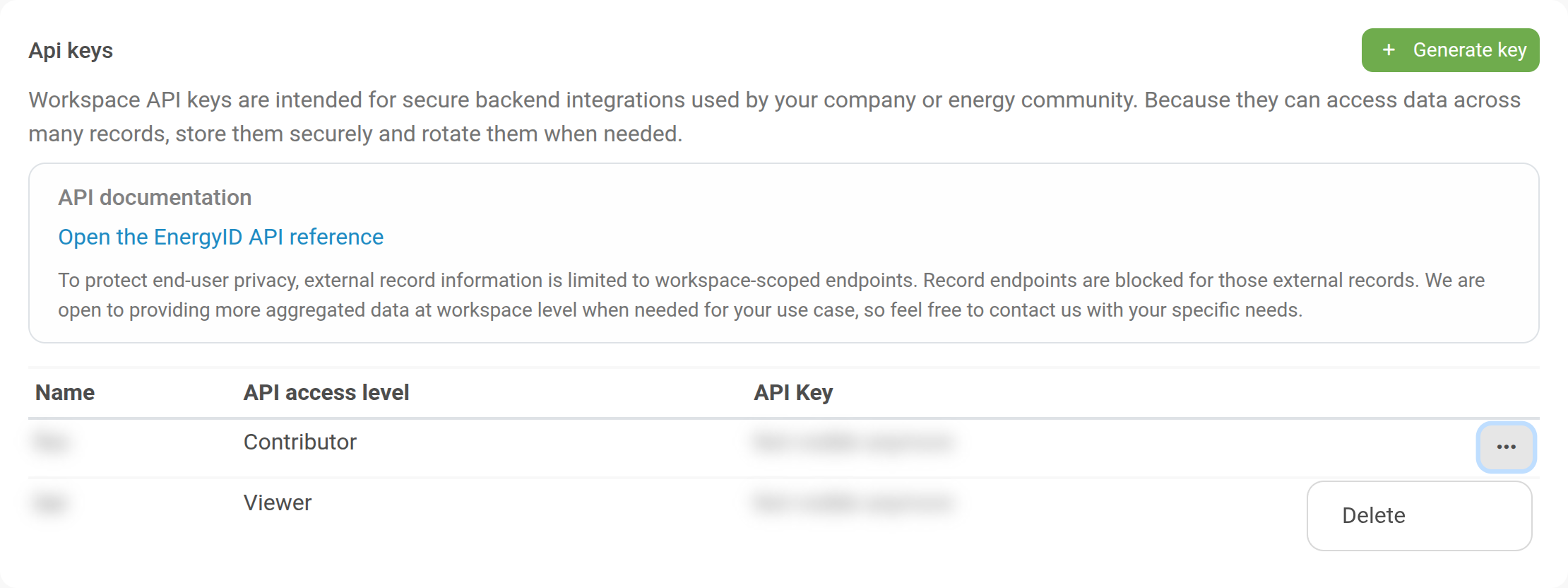
Use rotation whenever a key may be exposed, when people leave the team, or as part of regular security maintenance.
- Create a new key for the same integration.
- Update your backend configuration to use the new key.
- Verify that requests still work.
- Delete the old key.
Security recommendations
- Store keys in a secret manager, never in source code.
- Use separate keys per environment and per integration.
- Prefer the lowest access level your integration needs.
- Rotate keys periodically and after incidents.
- Log key usage in your own backend where possible.
FAQ
When should I use a Workspace API key instead of a personal API key?
Use a Workspace API key when your integration needs access to records across the whole Workspace. Personal API keys only grant access to your own personal records, while Workspace API keys can grant access to all records in that Workspace (based on the selected access level).
Why can I not see the full key value anymore in the list?
For security reasons, new key values are only shown once when created. After that, only metadata remains visible.
What is the difference between internal and external workspace records for API access?
Internal records are owned by the workspace and support broader workspace-plus-record endpoint usage (within your access level). External records are shared in and are more restricted.