What is a workspace?
✓ EnergyID for BusinessWith a workspace, you manage your organisation’s records in one place. You decide who gets access, which energy services you offer and how you organise the records.
Records, Premium and your workspace
Before you start using EnergyID as an organisation, it helps to know these three basic concepts.
- Record: one location with its own address, such as a building, a home or a production installation. Each record has one owner: a person or an organisation.
- Free or Premium: anyone can follow up their consumption in EnergyID for free, per day and per month, with at most two free records per user. Premium adds quarter-hour data, your own dashboards and extra analyses, among other things.
- Workspace: this is where you manage your organisation’s records. Your workspace has one subscription that determines which features and services your organisation can use.
Your organisation’s records are automatically Premium as soon as you add them to your workspace.
Records of customers or members become Premium as soon as they link their record to your workspace. Such an external record remains the property of the customer or member.
Create a workspace
You order a workspace on our website. You enter the name of your organisation; that becomes the name of your workspace. After activation, you find the workspace in the web application. You add a logo later in the workspace settings.
Your workspace subscription
Each workspace has one subscription: Basic, Standard or Advanced. The subscription determines which features and services your organisation can use.
The subscription applies to all records in your workspace, both your organisation’s records and external records. The price is charged per record and depends on the type of record. The owner of an external record does not need a subscription of their own.
See the overview of subscriptions, features and prices to see what each subscription offers.
Custom services
Some services are offered as a custom solution, priced on request:
- Real-time: minute data and a live dashboard for all records in your workspace.
- Custom analyses: such as the cost analysis, the quick scan for solar panels and home battery, and Vermijd de piek!
Contact sales@energieid.be.
Who gets access to your workspace?
- Workspace users are your colleagues or regular partners. They work in all records of the workspace, according to their role: Administrator, Editor, Contributor or Viewer. Give colleagues access to your workspace →
- Guest users get access to one or more records, without seeing the rest of the workspace. For example a tenant or an installer. Share a record with someone outside your team →
The owner of an external record does not get access to your workspace.
Set up your workspace
Has your workspace been created? With these steps you get it ready for use.
- Set the name and logo of your workspace.
- Add records, or let customers or members link their record.
- Group your records with labels.
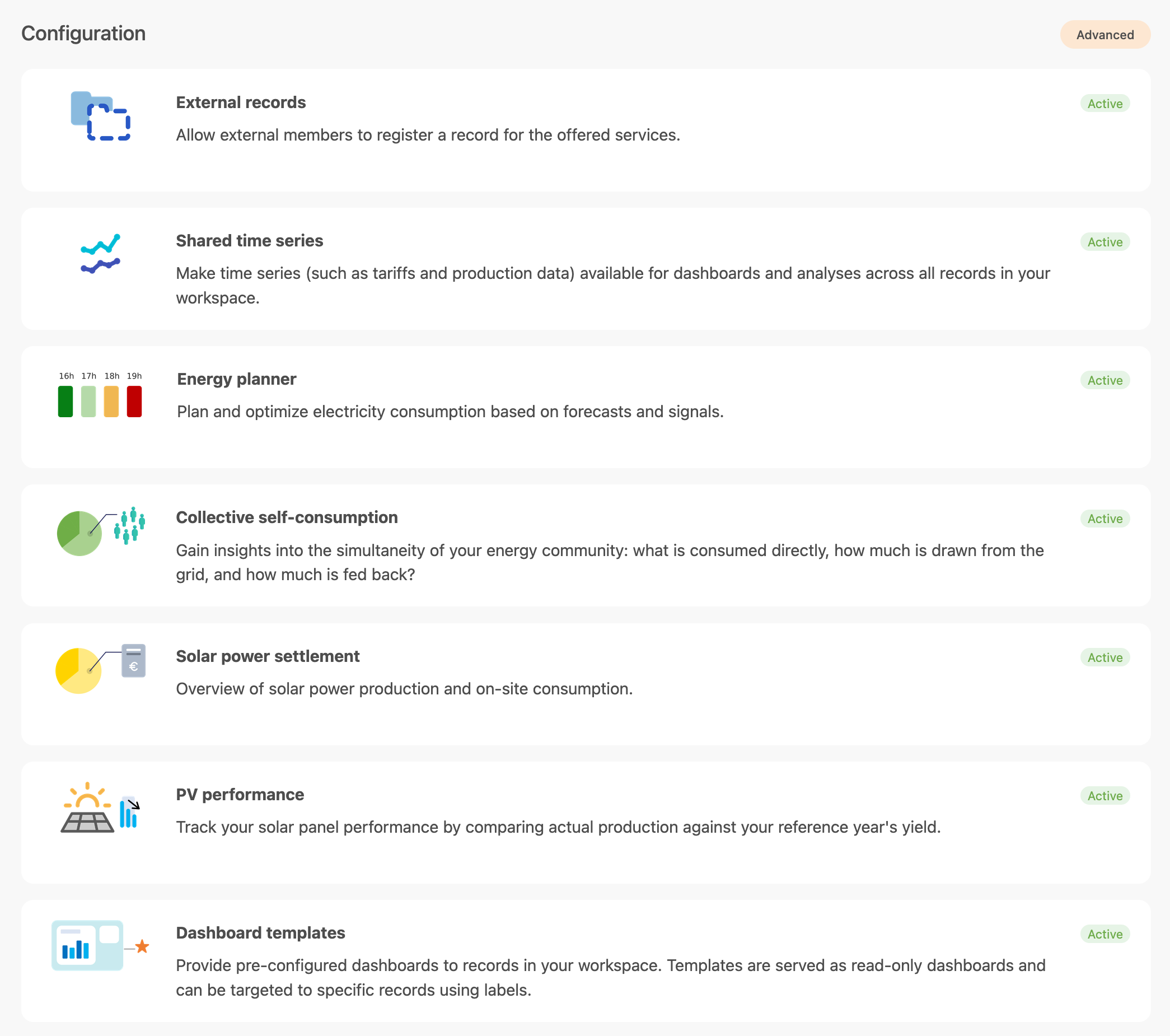
- Enable the features you need under Configuration. MFA and workspace permissions are set under Settings.
- Invite your colleagues.