Connect a digital meter
With a digital meter, EnergyID retrieves your consumption automatically. You no longer have to enter meter readings, and you get detailed data per day, hour or quarter-hour right away. That makes it the most important step in setting up your record.
Open your record and go to Meters. As long as there are no meters yet, EnergyID shows the connection that matches the address of your record at the top. Click it and follow the steps.
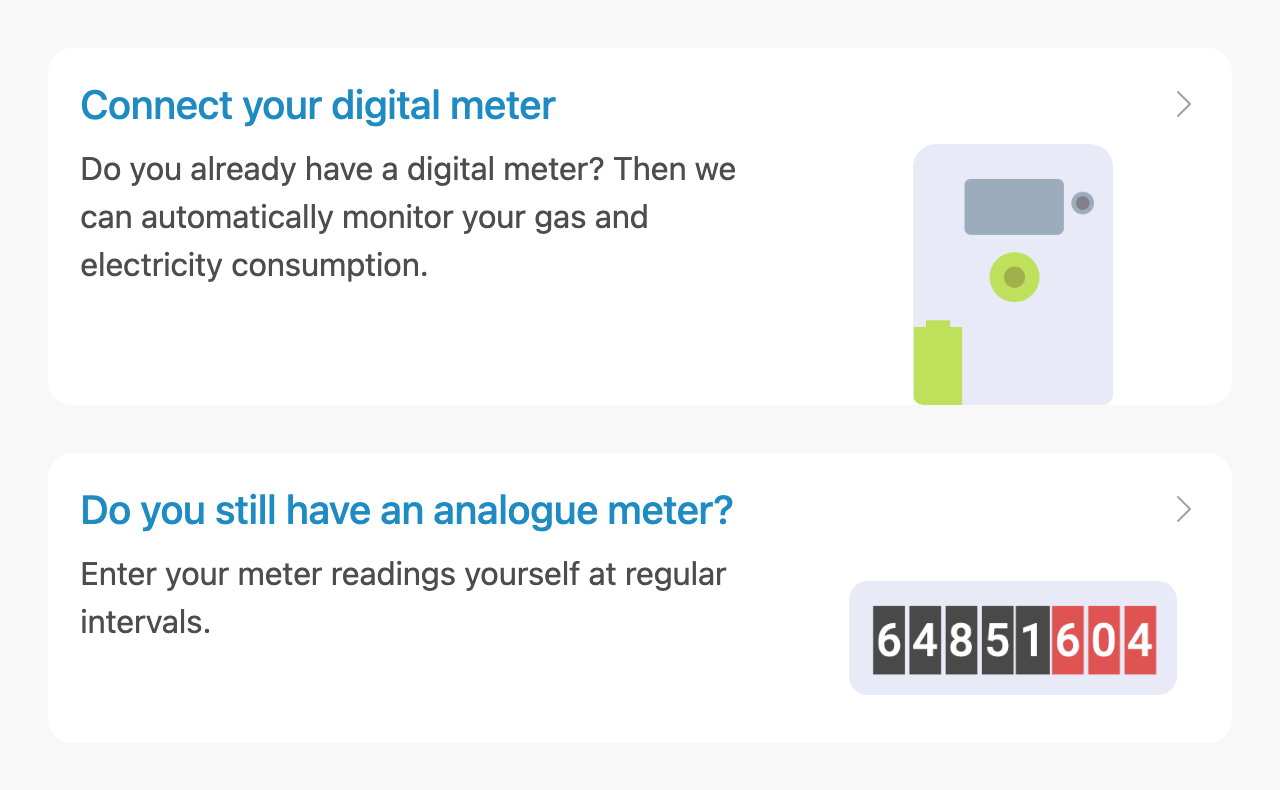
Digital meter connections
Which connection you use depends on the country or region where your home or building is located:
| Country | Connection | For |
|---|---|---|
| Belgium | Fluvius (in Dutch) | Flanders: digital gas and electricity meters, including AMR meters and submeters |
| Sibelga | Brussels: business connections | |
| Netherlands | Datadienst Slimme Meter (P4) | Smart gas and electricity meters |
| Kenter | Business connections, through your metering company | |
| Joulz | Business connections, through your metering company | |
| France | Enedis | Linky meters (coming soon) |
| Anywhere | Smartstuff, Youless, Plan D, 2‑Wire | You read the digital meter yourself through the P1 port, with a dongle. This also works where there is no connection with the grid operator (yet), such as in Wallonia. |
You can also find all digital meter connections in the app, under Apps › Network operators.
Connect another app
Besides your digital meter, you can also connect your inverter, real-time monitor, home battery or charging station. Click Apps in the top menu:
- Choose the app or service you want to connect and click Activate.
- Log in with your account for that app.
- For most apps, you then choose the record and the measurement data you want to add.
No digital meter yet?
Do you have an analogue meter? Then you enter your meter readings yourself at regular intervals. Read how in Enter meter readings manually.
Are your meter readings already in a file? Then read Import meter readings.